


Hey there! As a supplier of MNS Low Voltage Switchgear, I've seen my fair share of component replacements. It's a crucial part of keeping these systems running smoothly, and I'm here to walk you through the process.
First off, let's understand why we might need to replace components in MNS Low Voltage Switchgear. Over time, wear and tear can take a toll on various parts. Electrical components are constantly under stress, dealing with currents, voltages, and heat. Sometimes, a component might fail due to a manufacturing defect or an unexpected electrical surge. Whatever the reason, knowing how to replace these components is essential.
Tools You'll Need
Before you start the replacement process, you'll need to gather the right tools. Here's a basic list:
- Screwdrivers: Both flathead and Phillips head, in various sizes. You'll use these to remove and install screws that hold the switchgear panels and components in place.
- Pliers: Needle-nose pliers are great for handling small wires and components, while regular pliers can be used for more heavy-duty tasks.
- Multimeter: This is a must-have for testing electrical connections and ensuring that the new component is working properly.
- Insulated gloves: Safety first! These will protect you from electrical shocks while working on the switchgear.
Step 1: Safety First
Safety is always the top priority when working with electrical equipment. Before you even think about replacing a component, make sure to turn off the power supply to the switchgear. This might seem obvious, but it's easy to forget in the heat of the moment. Use a lockout/tagout system to prevent anyone from accidentally turning the power back on while you're working.
Step 2: Identify the Faulty Component
Once the power is off, it's time to figure out which component needs to be replaced. This might involve visually inspecting the switchgear for any signs of damage, such as burnt wires or melted components. You can also use a multimeter to test the electrical connections and identify any faulty parts.
Step 3: Remove the Old Component
Now that you've identified the faulty component, it's time to remove it. Start by removing any screws or bolts that are holding the component in place. Be careful not to lose any small parts. Once the component is loose, gently disconnect any wires or cables that are connected to it. Make sure to label the wires so that you know where they go when you install the new component.
Step 4: Install the New Component
Once the old component is removed, it's time to install the new one. Start by connecting the wires or cables to the new component, following the labels you made earlier. Make sure the connections are tight and secure. Then, carefully place the new component in the same position as the old one and secure it with screws or bolts.
Step 5: Test the New Component
After the new component is installed, it's time to test it. Turn on the power supply to the switchgear and use a multimeter to test the electrical connections. Make sure the new component is working properly and that there are no electrical shorts or other issues.
Step 6: Final Checks
Once the new component is working properly, it's time to do a final check. Make sure all the screws and bolts are tightened, and that all the wires and cables are properly connected. Also, check the switchgear for any signs of damage or wear.
Related Products
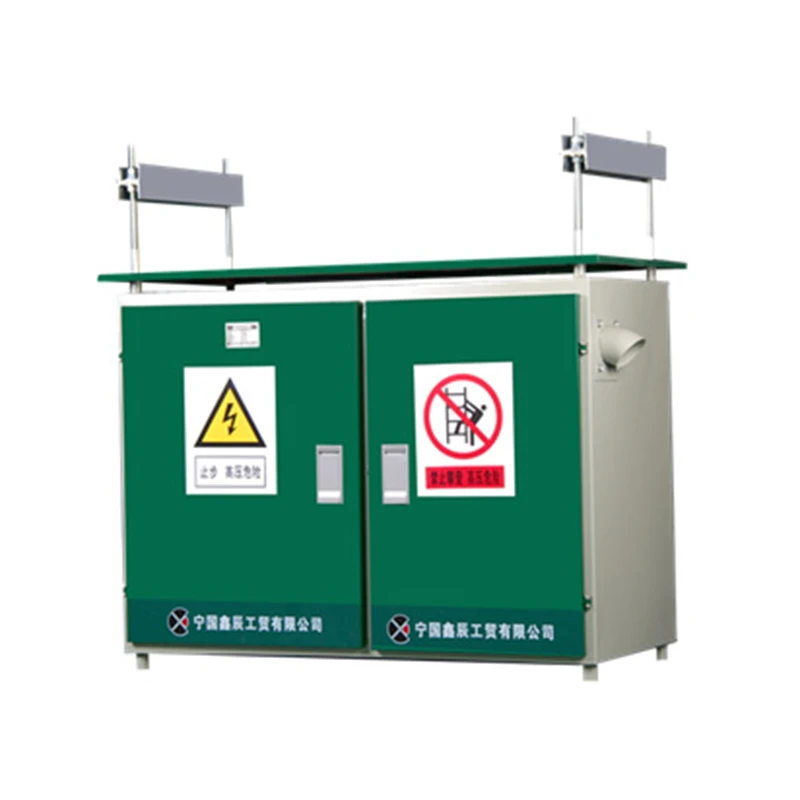
If you're in the market for other low-voltage switchgear products, check out our LV Distribution Box, Low Voltage Power Distribution Panel, and Power Factor Improvement Panel. These products are designed to work seamlessly with MNS Low Voltage Switchgear and can help you optimize your electrical system.

Contact Us for Purchase
If you have any questions about replacing components in MNS Low Voltage Switchgear or if you're interested in purchasing our products, don't hesitate to reach out. We're here to help you find the right solutions for your electrical needs.
References
- Electrical Safety Standards: National Electrical Code (NEC)
- Manufacturer's Manual for MNS Low Voltage Switchgear